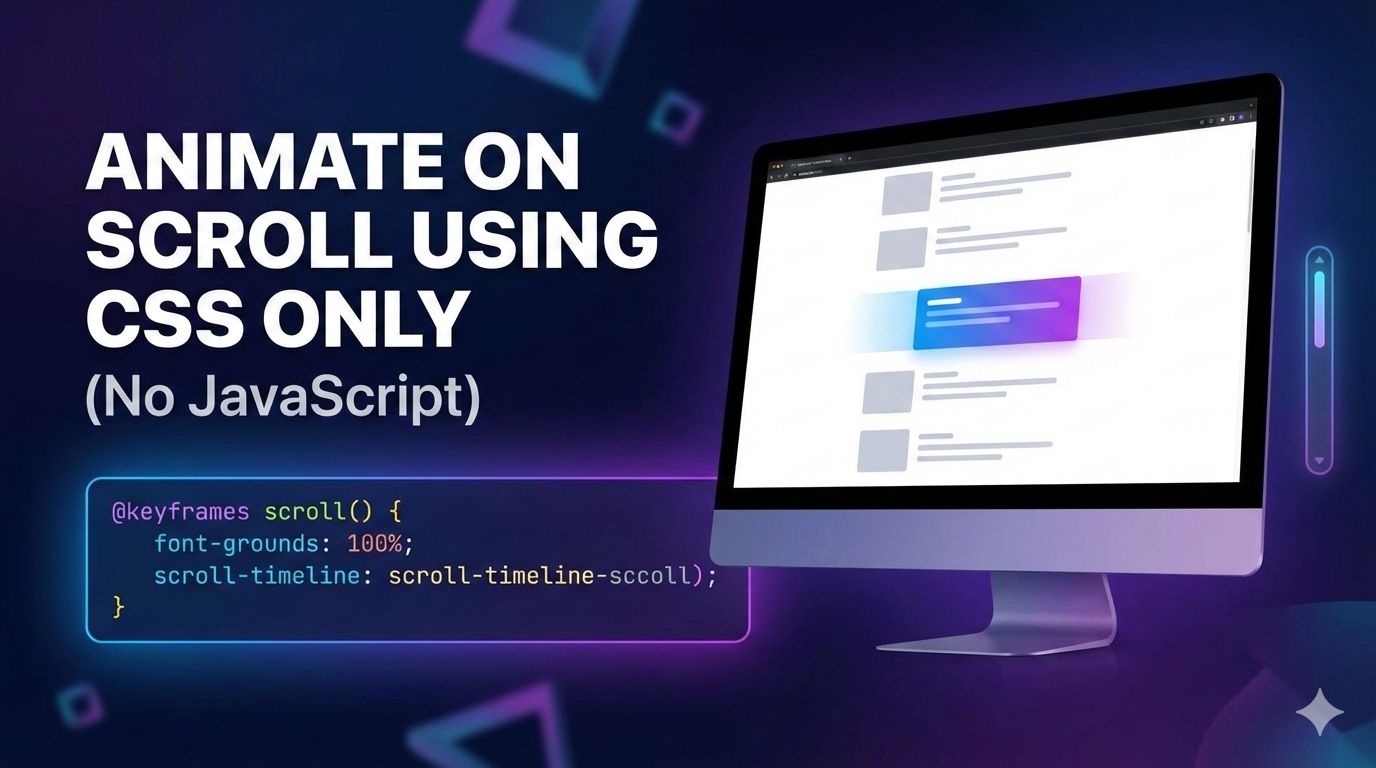
Animate on Scroll using CSS only (No JavaScript)
Video Tutorial
Learn this topic step by step with a clear video walkthrough.
- Read more about Animate on Scroll using CSS only (No JavaScript)
- Log in or register to post comments

Learn this topic step by step with a clear video walkthrough.
We will create a stylish button with a modern hover effect. The button text slides smoothly across the button when the user hovers over it. No JavaScript require, just a few lines of CSS.
When user hover over the button, the text quickly fades out, slides left, and fades back in — creating a clean sliding animation.
Let us first create a simple html button. The <span> holds the text we want to animate.
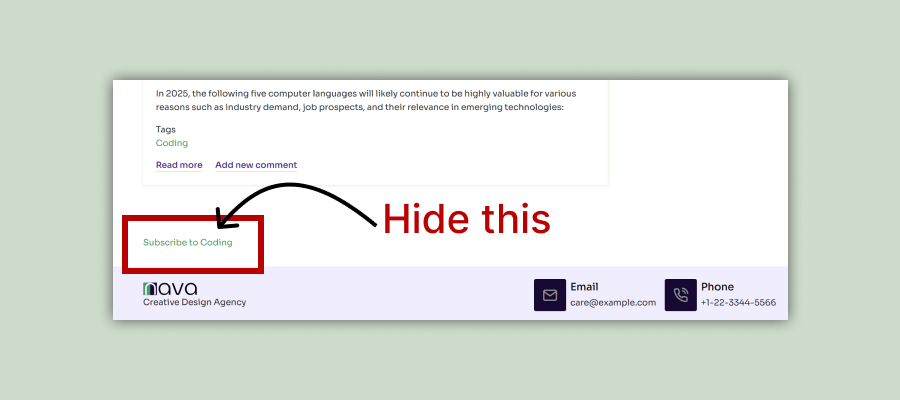
In this blog post, we will explore how to hide Subscribe to Taxonomy Term linked to the term feed page on a Drupal site. This appears by default on all taxonomy pages of a Drupal site. Let’s dive right in!
Login as Administrator and navigate to:
Administration - Structure - Views
Click edit button of Taxonomy term view.
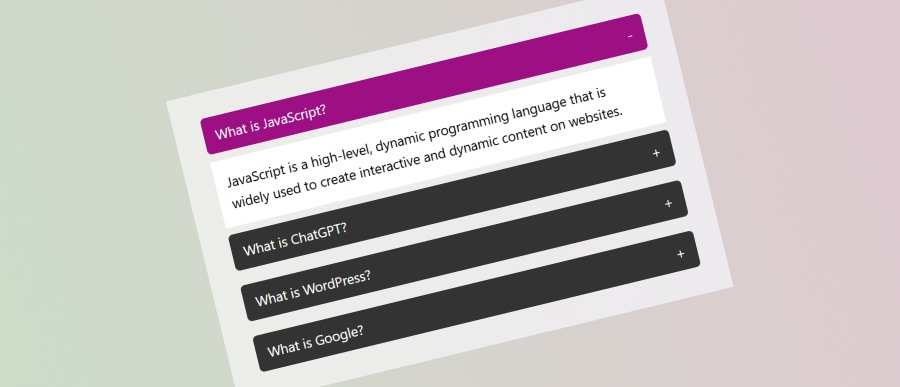
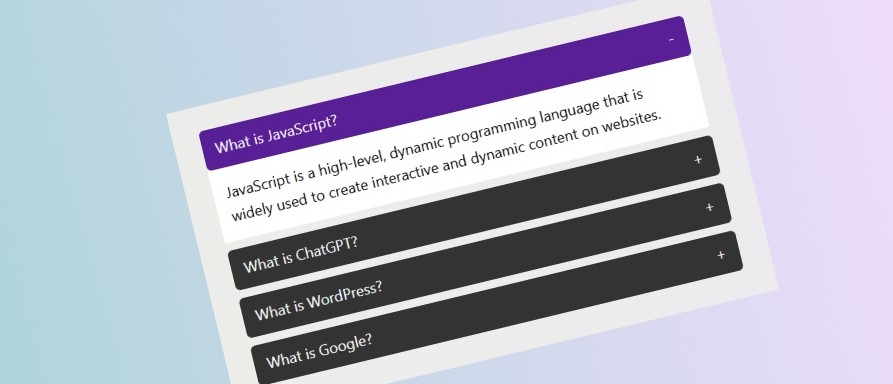
In this accordion style only one item can be open at a time. This approach ensures that when you open one accordion section, any previously opened accordion section is closed automatically.
You will find accordion contents on many modern websites. An accordion is a UI pattern where content is toggled between expanded and collapsed states. This allows web developer to show more information in a small area and in a modern style. Accordions are great for enhancing the usability of your site by saving space and keeping your content organized.
In this blog post, we’ll explore how to build a simple accordion using HTML, CSS, and JavaScript. Let’s dive right in!
In this JavaScript tutorial we will create a button that will change the background color of body to any random color on a button click. We will use just plain JavaScript, No JavaScript Library, No JavaScript Framework.
Let’s first create a button with ID color-button that will call a JavaScript function changeBg() on click.