Button With Sliding Text Effect Using Simple CSS

We will create a stylish button with a modern hover effect. The button text slides smoothly across the button when the user hovers over it. No JavaScript require, just a few lines of CSS.

Button Style

When user hover over the button, the text quickly fades out, slides left, and fades back in — creating a clean sliding animation.

Button HTML

Let us first create a simple html button. The <span> holds the text we want to animate.

Tags

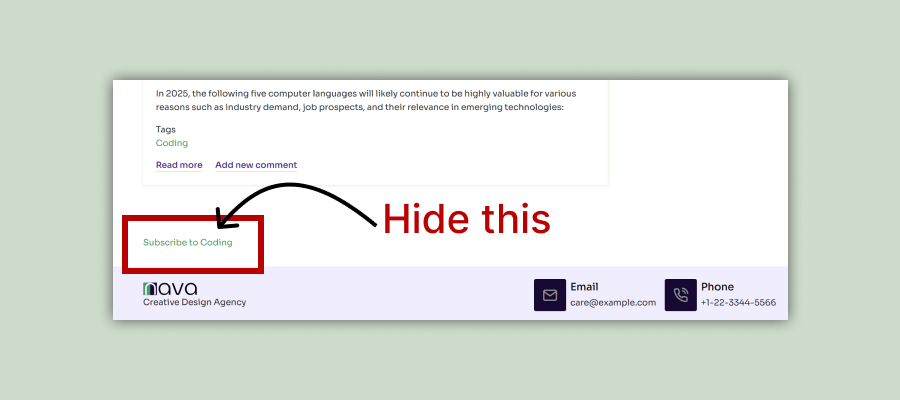
Drupal - Hide Subscribe to Taxonomy Term

In this blog post, we will explore how to hide Subscribe to Taxonomy Term linked to the term feed page on a Drupal site. This appears by default on all taxonomy pages of a Drupal site. Let’s dive right in!

Login as Administrator and navigate to:

Administration - Structure - Views

Edit View

Click edit button of Taxonomy term view.

Tags

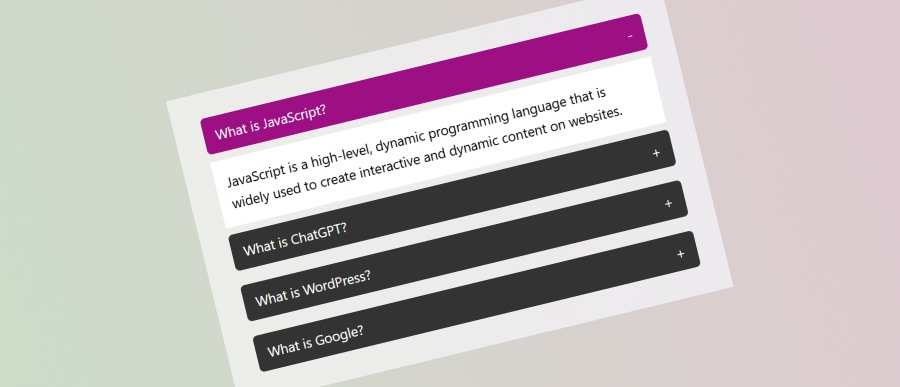
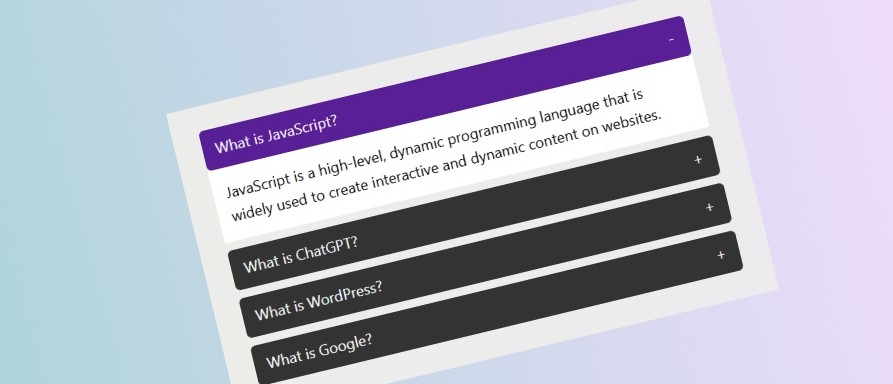
Simple Modern JavaScript Accordion

You will find accordion contents on many modern websites. An accordion is a UI pattern where content is toggled between expanded and collapsed states. This allows web developer to show more information in a small area and in a modern style. Accordions are great for enhancing the usability of your site by saving space and keeping your content organized.

In this blog post, we’ll explore how to build a simple accordion using HTML, CSS, and JavaScript. Let’s dive right in!

Tags

JavaScript – Change Background Color to Any Random Colors on Button Click

In this JavaScript tutorial we will create a button that will change the background color of body to any random color on a button click. We will use just plain JavaScript, No JavaScript Library, No JavaScript Framework.

Create a Button

Let’s first create a button with ID color-button that will call a JavaScript function changeBg() on click.

Tags

Animated Border Bottom From Center on Hover Using CSS

In this CSS tutorial we will create a region / box that will have animated border bottom on mouse hover. The animation will start from center and will move to left and right directions. And when the mouse hover is removed the border will shrink back to center in the same way.

You can use this technique to style your services, projects, features etc. boxes.

Create a box

Let's first create a simple box using HTML and basic CSS.

HTML

Tags