Animate on Scroll using CSS only (No JavaScript)
Video Tutorial
Learn this topic step by step with a clear video walkthrough.
- Read more about Animate on Scroll using CSS only (No JavaScript)
- Log in or register to post comments

Learn this topic step by step with a clear video walkthrough.
We will create a stylish button with a modern hover effect. The button text slides smoothly across the button when the user hovers over it. No JavaScript require, just a few lines of CSS.
When user hover over the button, the text quickly fades out, slides left, and fades back in — creating a clean sliding animation.
Let us first create a simple html button. The <span> holds the text we want to animate.
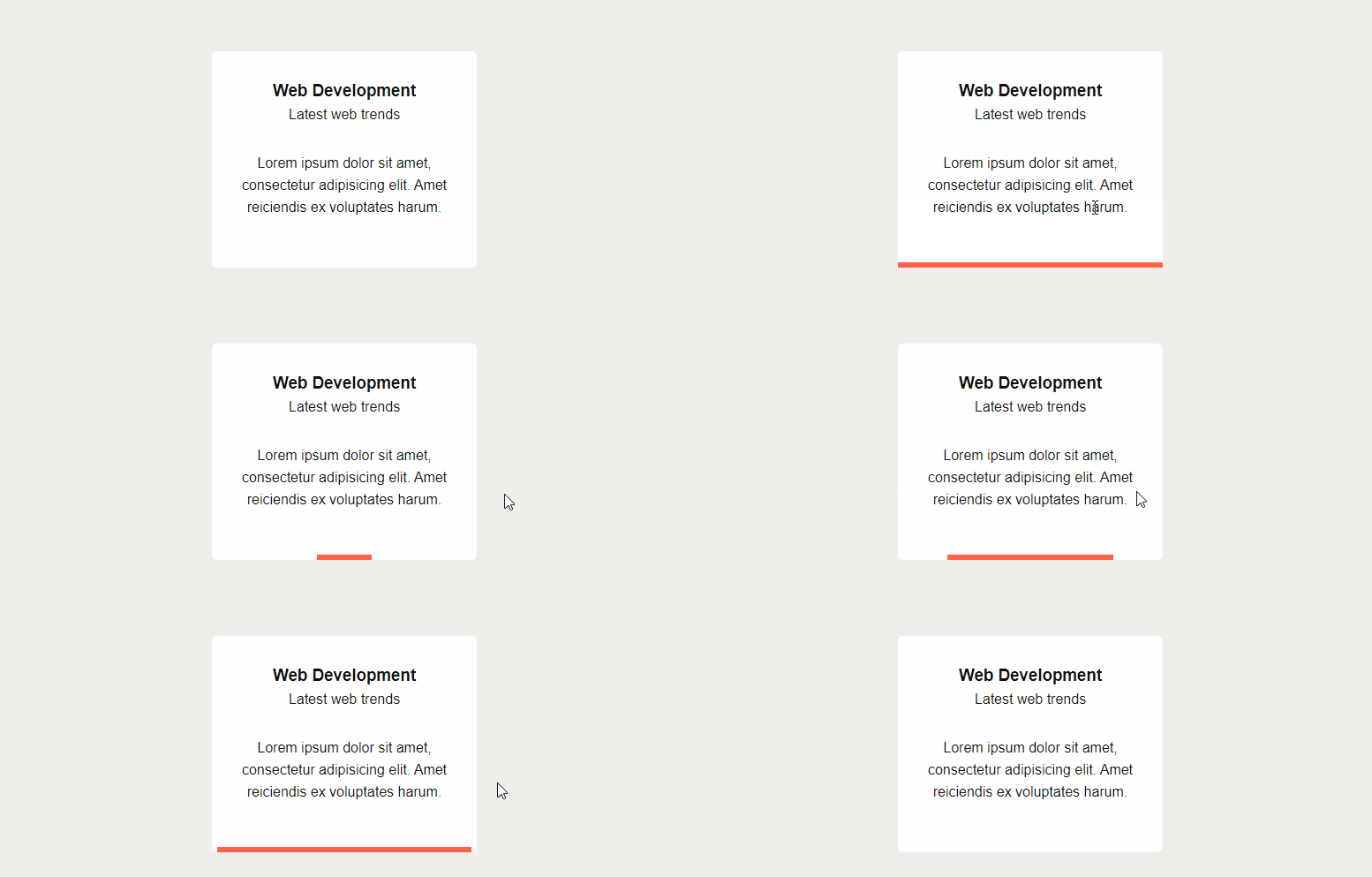
In this CSS tutorial we will create a region / box that will have animated border bottom on mouse hover. The animation will start from center and will move to left and right directions. And when the mouse hover is removed the border will shrink back to center in the same way.
You can use this technique to style your services, projects, features etc. boxes.
Let's first create a simple box using HTML and basic CSS.
HTML
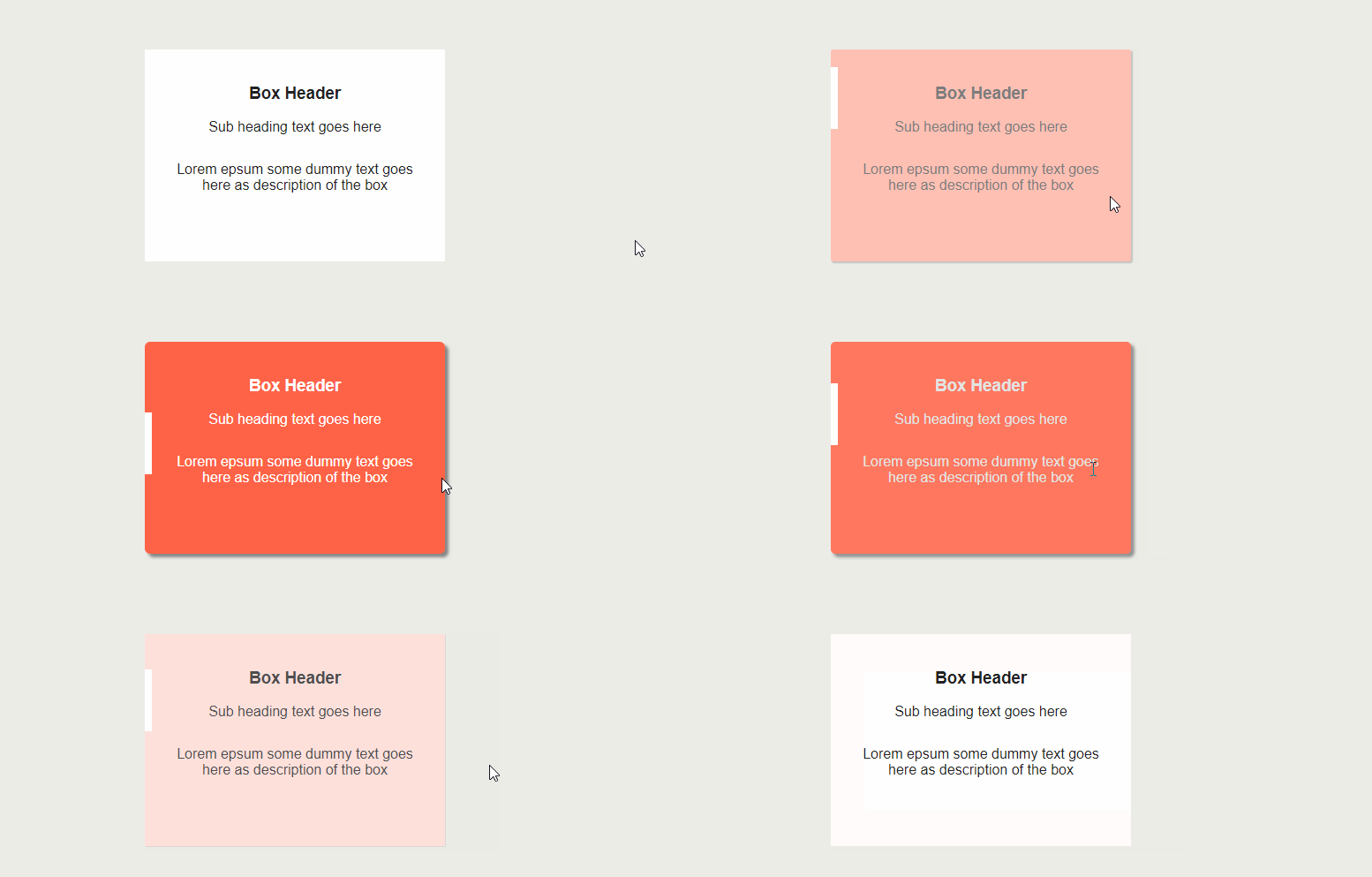
In this CSS tutorial we will create a cool service / feature box using CSS. The box will have a left scrolling border on hover.
Let's first create a simple service box.
CSS reset is the first thing I add in my css file in any web development project. I have been using necolas Normalize.css for years. But now modern browsers are much smarter.
Below is my own css reset inspired by Andy Bell's Modern CSS Reset.